TkFab® De En Fr tree
  QuickField : 3D screenshots

        General

        2D screenshots

        3D screenshots

        2D features

        3D features

        Programming

Table of Contents


QuickField : 3D screenshots


3D obtained by extrusion

Extrusion is a very simple construction process requiring no tools outside of QuickField™ . The concept is explained in the Concept paragraph. The 3D pre-processor is used as in 2D designs, the only difference is to use a "z" dimension when changing region.

The example below is the geometry of a temperature sensor brought back to the same plane :
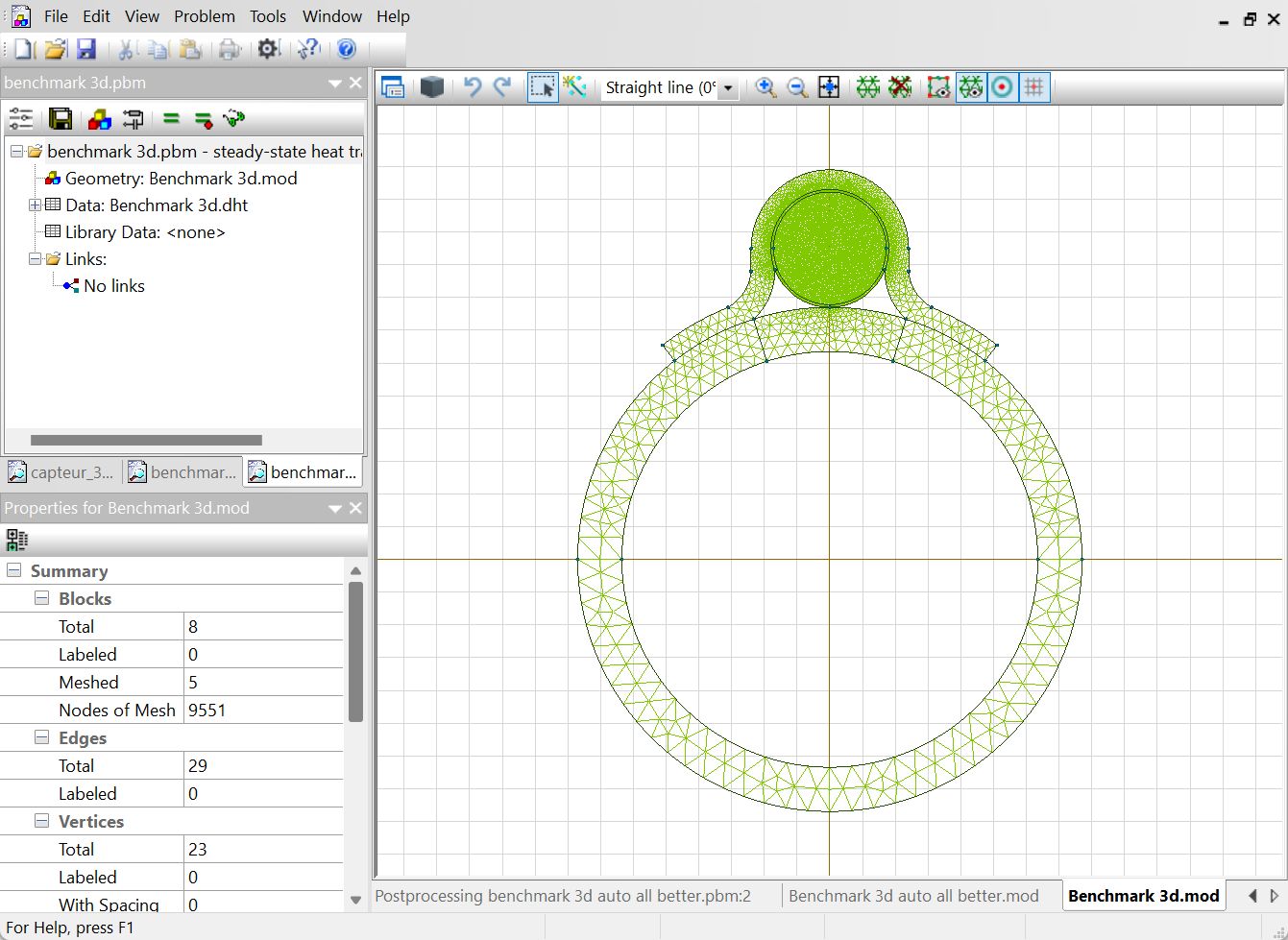
This image shows the geometry of a temperature sensor before extrusion
Preprocessor - 2D View


After some very simple modifications, the "z" dimension for each material, we obtain this :
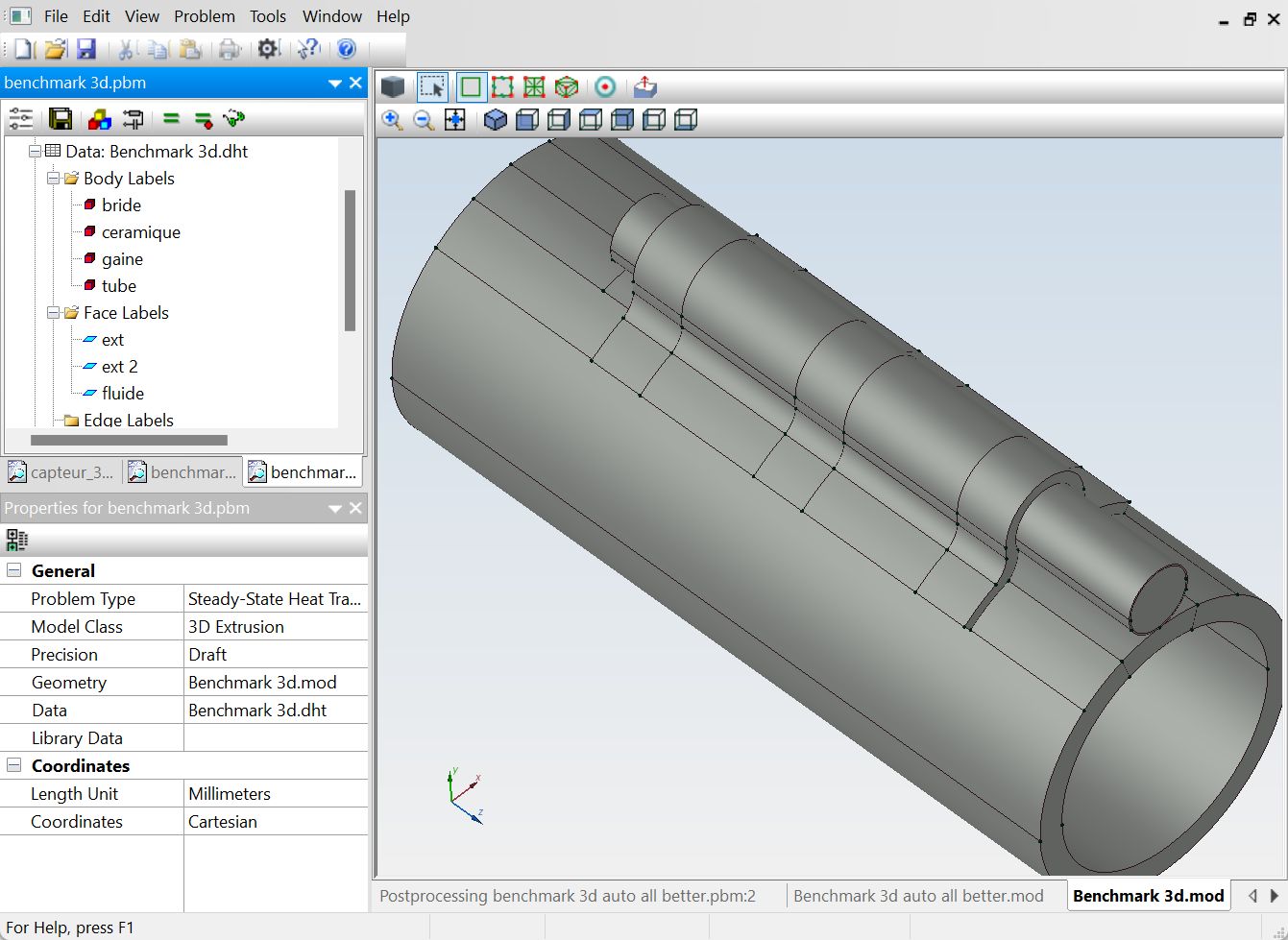
QuickField 3D preprocessor picture, representing the 3D geometry
Preprocessor - 3D View

The post-processor allows you to visualize the results in different ways. A color representation being the most natural and the quickest to estimate the characteristics of a design :
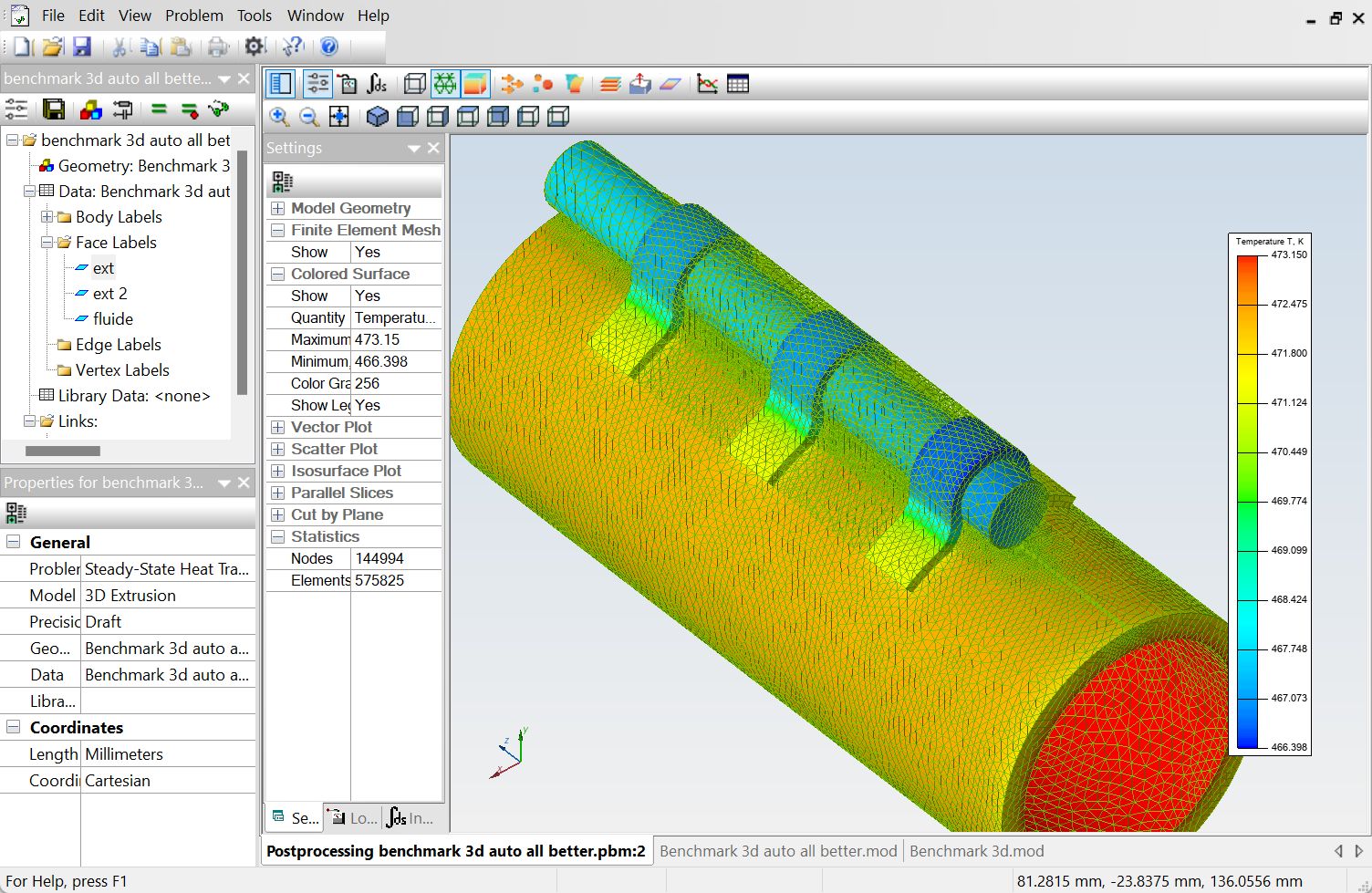
QuickField 3D preprocessor picture, representing the electromagnetic field
Postprocessor - color map
 

3D obtained by CAD import

Import consists of opening a file defining the geometry of a set, then tracing it in the pre-processor . The format used is STEP format. Creating this file requires the use of CAD software external to QuickField™ .

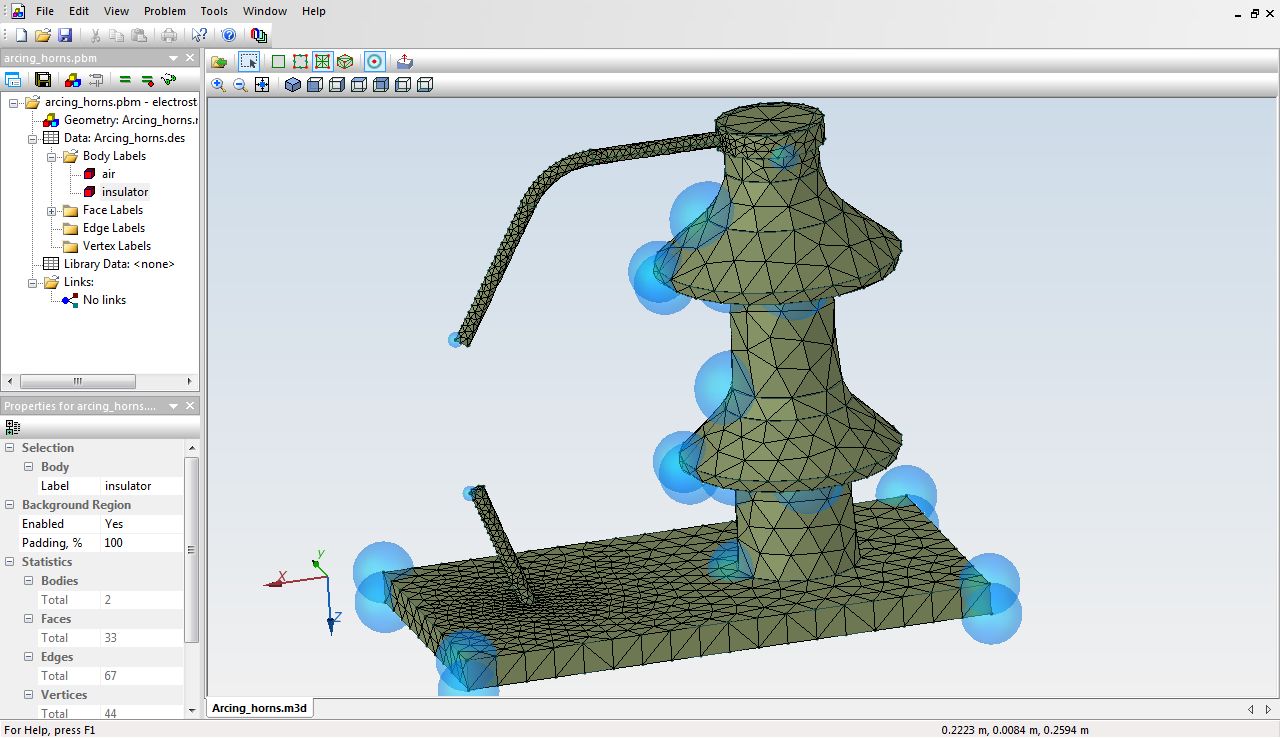
The example below is the geometry of a breakdown device called "arcing horns" :

arcing horns
Preprocessor - Geometry

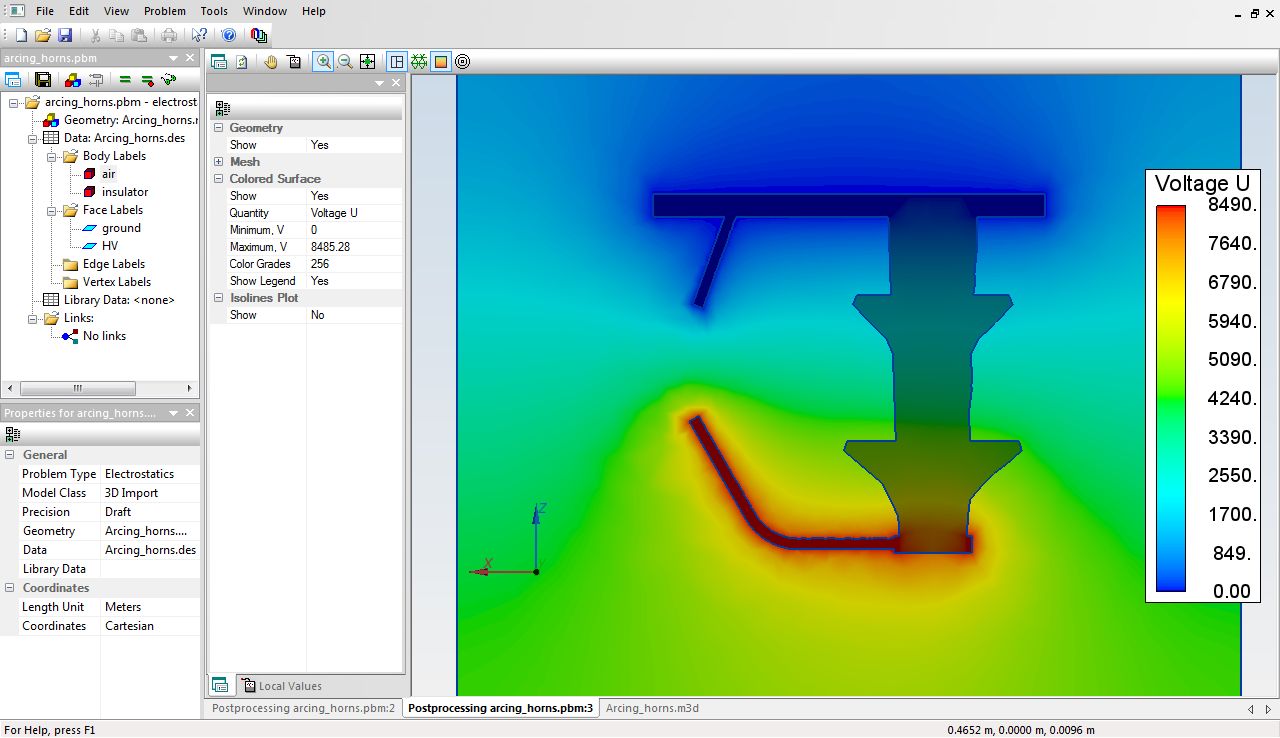
The post-processor allows you to visualize the results in different ways. A color representation being the most natural and the quickest to estimate the characteristics of a design :


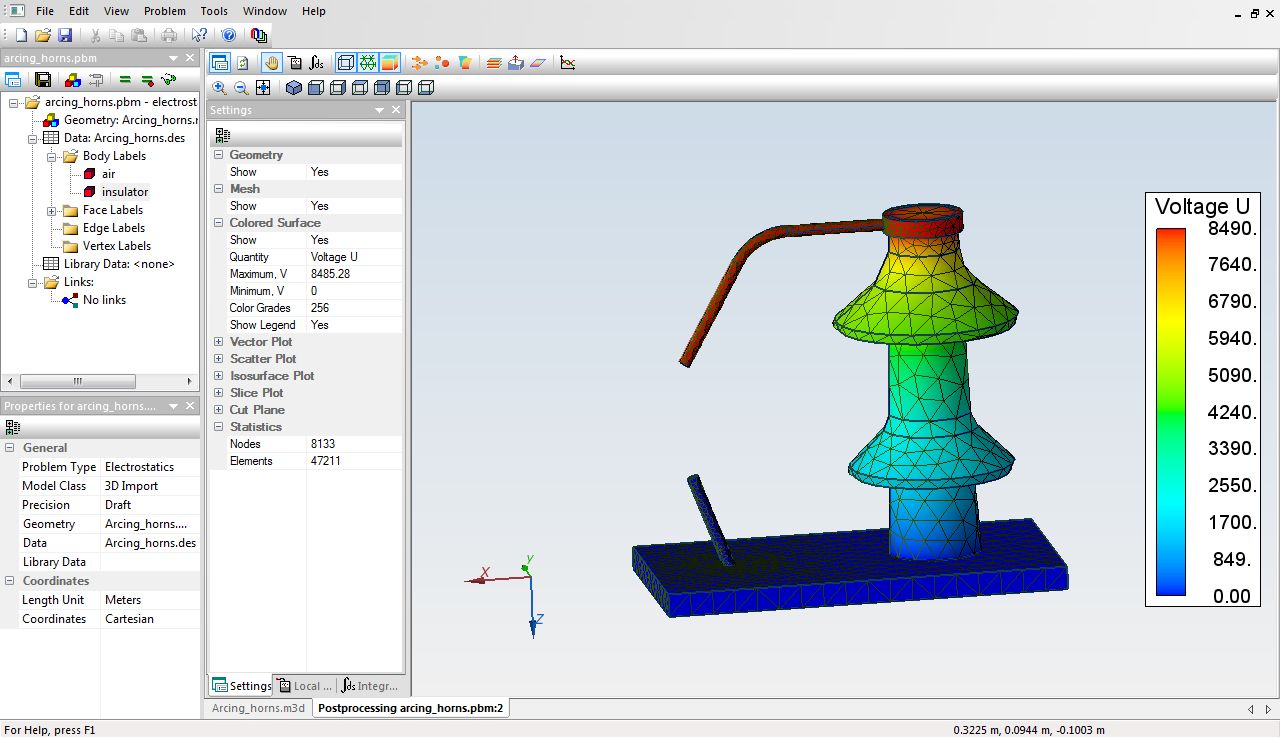
arcing horns
Postprocessor - color rendering

The post-processor also allows you to visualize the results by section. You can then analyze a project as in 2D :

arcing horns
Postprocessor - cut view